Powerful Features
Comprehensive video management capabilities for modern security operations — built for Windows, designed for professionals
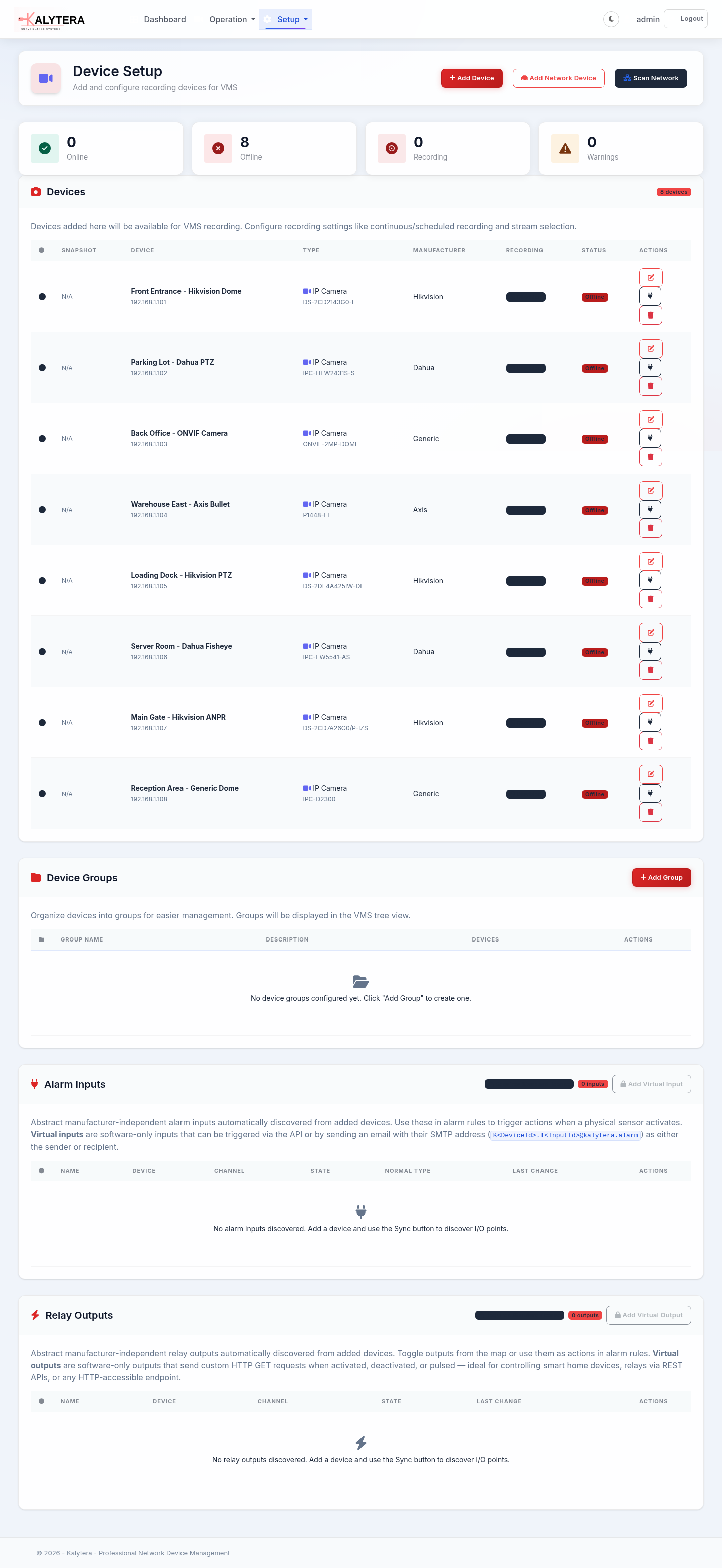
Fast Device Discovery
Quickly find and add IP cameras on your network with an efficient ping-based network scan. Specify an IP range and Kalytera discovers all reachable devices — no complex protocol setup required.
- Ping-based network range scanning
- Automatic ONVIF device detection
- RTSP stream auto-detection
- 180+ vendor MAC address database
- Manual device add by IP or URL
- Hikvision, Dahua, Axis & ONVIF support
Live View & Recording
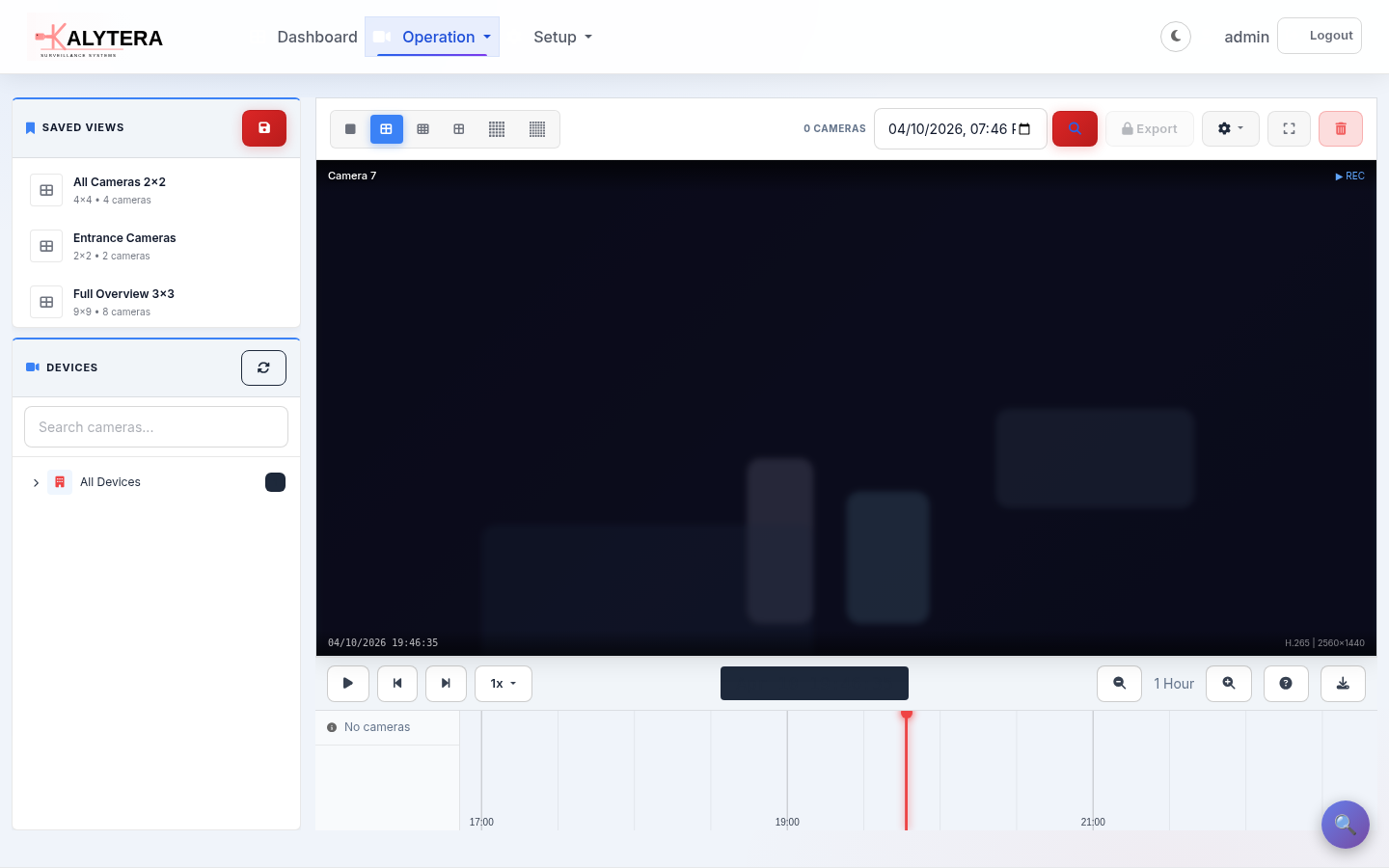
Professional-grade VMS with WebRTC ultra-low-latency live streaming, timeline playback, and reliable H.264 passthrough recording — designed for mission-critical operations.
- WebRTC ultra-low-latency streaming (<500 ms, LAN)
- HLS fallback for wide browser compatibility
- Multi-camera grid layout (1×1 up to 8×8)
- Saved views with drag-and-drop camera assignment
- H.264 passthrough recording, segmented MP4
- Continuous, scheduled, motion & manual recording modes
- Timeline-based playback with calendar navigation
- Automatic thumbnail generation & storage cleanup
- Video export to MP4 with quality options Professional+
AI Video Analytics
On-premises AI pipeline powered by YOLOv8 and frame-differencing — no cloud required. Define detection zones, virtual lines, and loitering thresholds to catch exactly what matters.
Detection Types
- Motion detection (frame differencing)
- AI object & person detection (YOLOv8)
- Zone intrusion detection
- Virtual line crossing
- Loitering detection (dwell timer)
- Overcrowding detection
AI Search
- Semantic video search (natural language)
- AI re-indexing & embedding pipeline
- Analysis worker status & metrics
- Per-camera enable/disable control
- Confidence threshold configuration
- Cool-down & dwell-time settings
Advanced Alarm & Events Engine
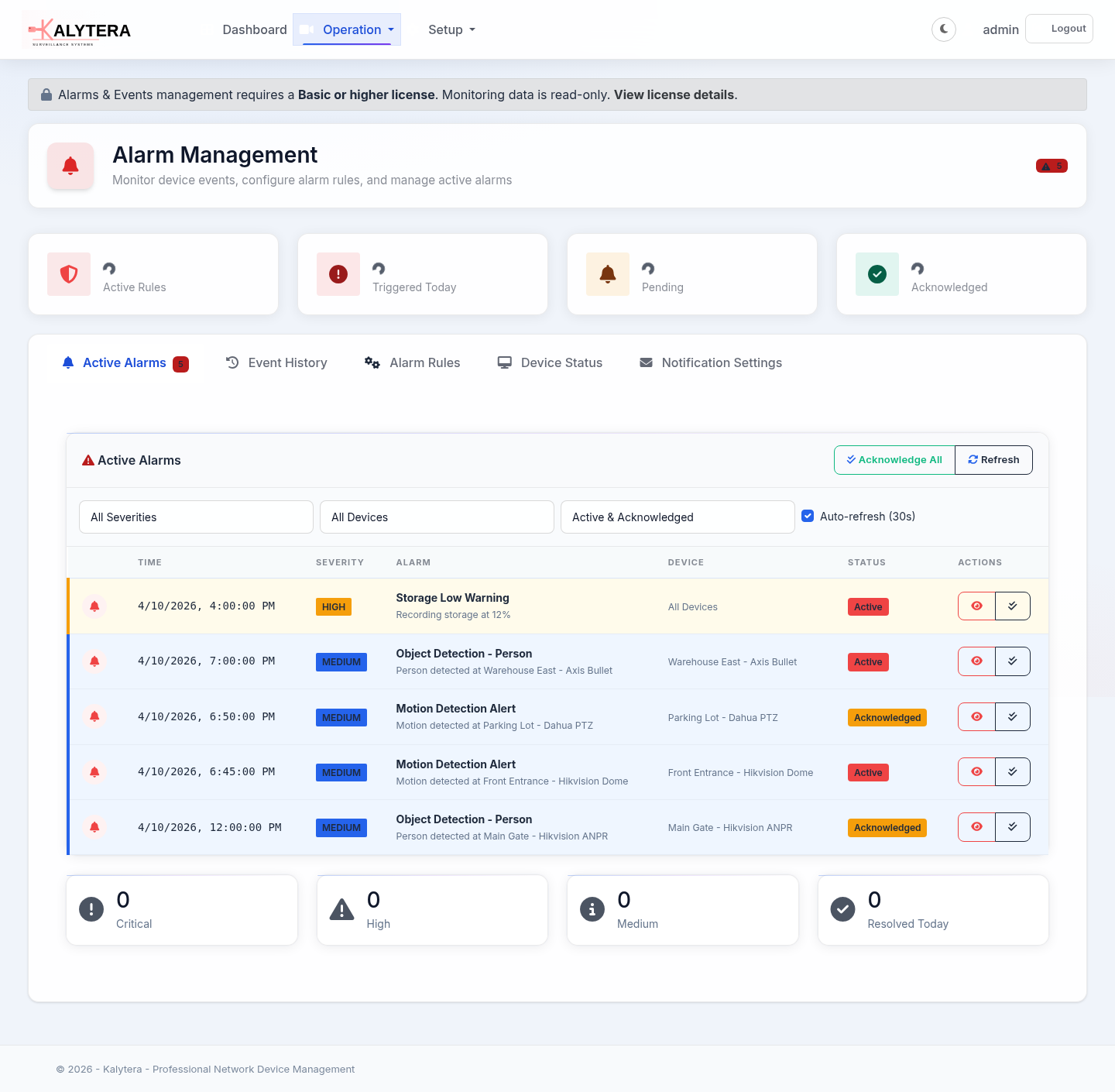
42+ trigger types across 8 categories — from simple ping checks and device-offline alerts to AI-driven analytics, intrusion panel events, and custom webhook integrations.
Trigger Categories
- Network & connectivity (ping, port, offline/online, bandwidth)
- Analytics & detection (motion, object, zone, line, tamper, video loss)
- Recording & storage (start/stop, low/full storage)
- System health (CPU, RAM, disk, temperature)
- Configuration changes (firmware, certificate expiry, stream drift)
- Schedule-based start/end
- Generic I/O & alarm inputs
- Intrusion panel zone & partition events
Alarm Actions
- Real-time browser notifications
- Email alerts (SMTP)
- Webhook / HTTP callbacks
- Auto-start recording on trigger
- Alarm event history & acknowledgement
- Severity levels, cooldown & failure thresholds
- Schedule-constrained rules
- Auto-resolve on restore
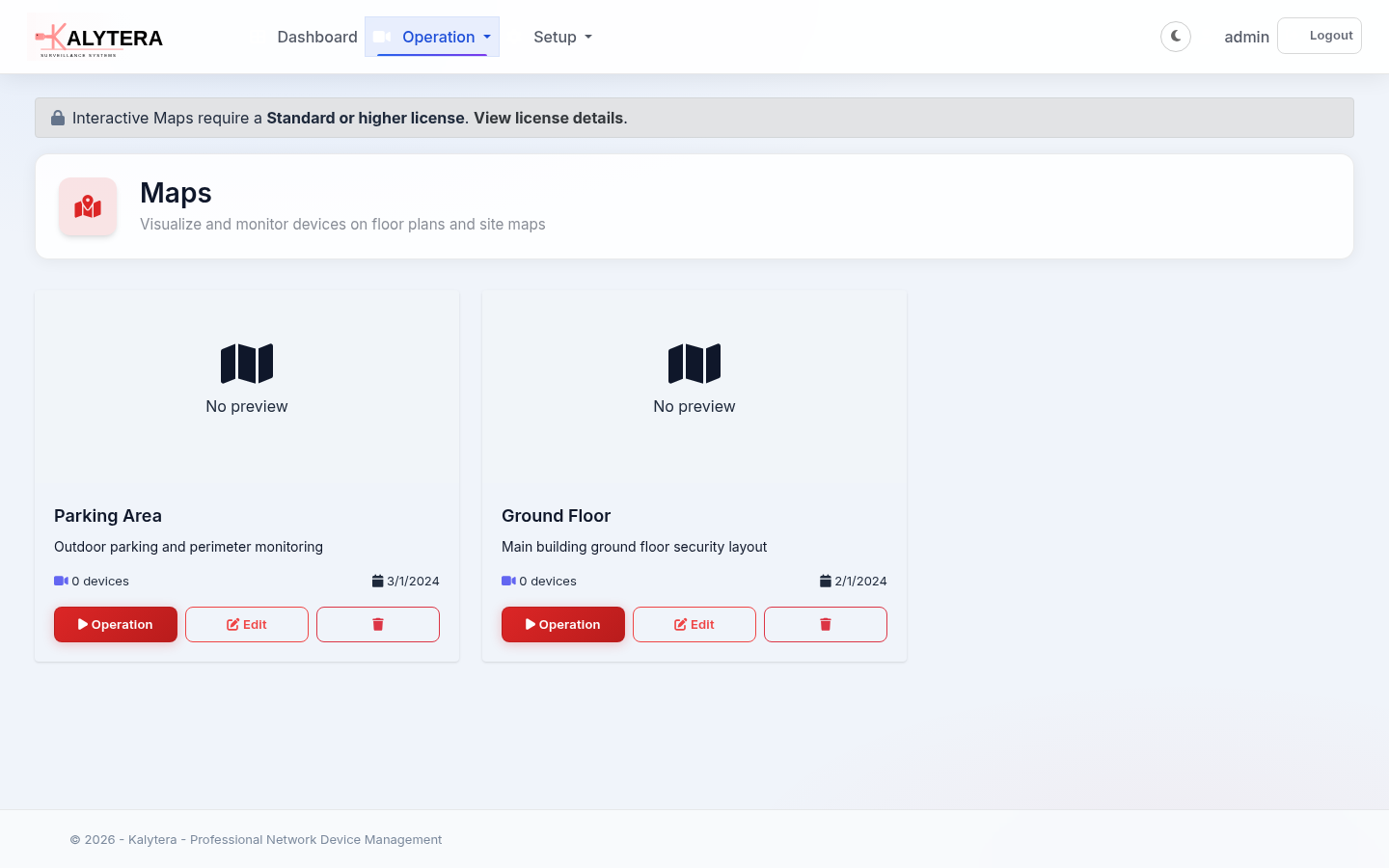
Interactive Maps & Floor Plans
Visualize your security infrastructure on interactive floor plans. Drag-and-drop device placement, real-time alarm indicators, and optional Google Maps background for geo-referenced sites.
- Upload floor plan images
- Drag-and-drop device placement
- Professional drawing tools (shapes, lines, polygons, annotations)
- Real-time device status & alarm indicators (badge, border, icon modes)
- Google Maps integration for outdoor sites
- Pan, zoom, and multi-layer navigation
- Alarm pulse animations on active events
I/O Control & Intrusion Integration
Connect physical alarm inputs, relay outputs, and intrusion panels directly into Kalytera's event engine — turning security hardware into actionable alarms and automated responses.
Physical I/O Professional+
- Camera alarm inputs (door sensors, PIRs, tamper)
- Relay outputs (sirens, doors, lights)
- SMTP alarm receiver (port 2525)
- Virtual I/O inputs / outputs Enterprise
Intrusion Panels Standard+
- Alarm zone monitoring & bypass
- Partition arming / disarming
- Zone types: instant, entry/exit, 24-hour, fire, medical
- Real-time zone state display
Windows-Native Software
Kalytera runs natively on Windows. Linux support is planned for a future release.
A mobile companion app is available for Android and iOS.
Windows
Windows 10/11 and Windows Server 2016+
Available NowLinux
Ubuntu, Debian, and other distributions
Coming SoonAndroid
Mobile monitoring companion app
Available NowiOS
iPhone & iPad companion app
Available NowAnd Much More…
Everything you need for professional security operations
PTZ Control
Full pan, tilt, zoom control for PTZ cameras with preset management — navigate scenes from the live view in real time.
Customizable Dashboard
Build your own monitoring dashboard with drag-and-drop widgets: live cameras, alarm summaries, device health, and more.
Professional+Device Health Monitoring
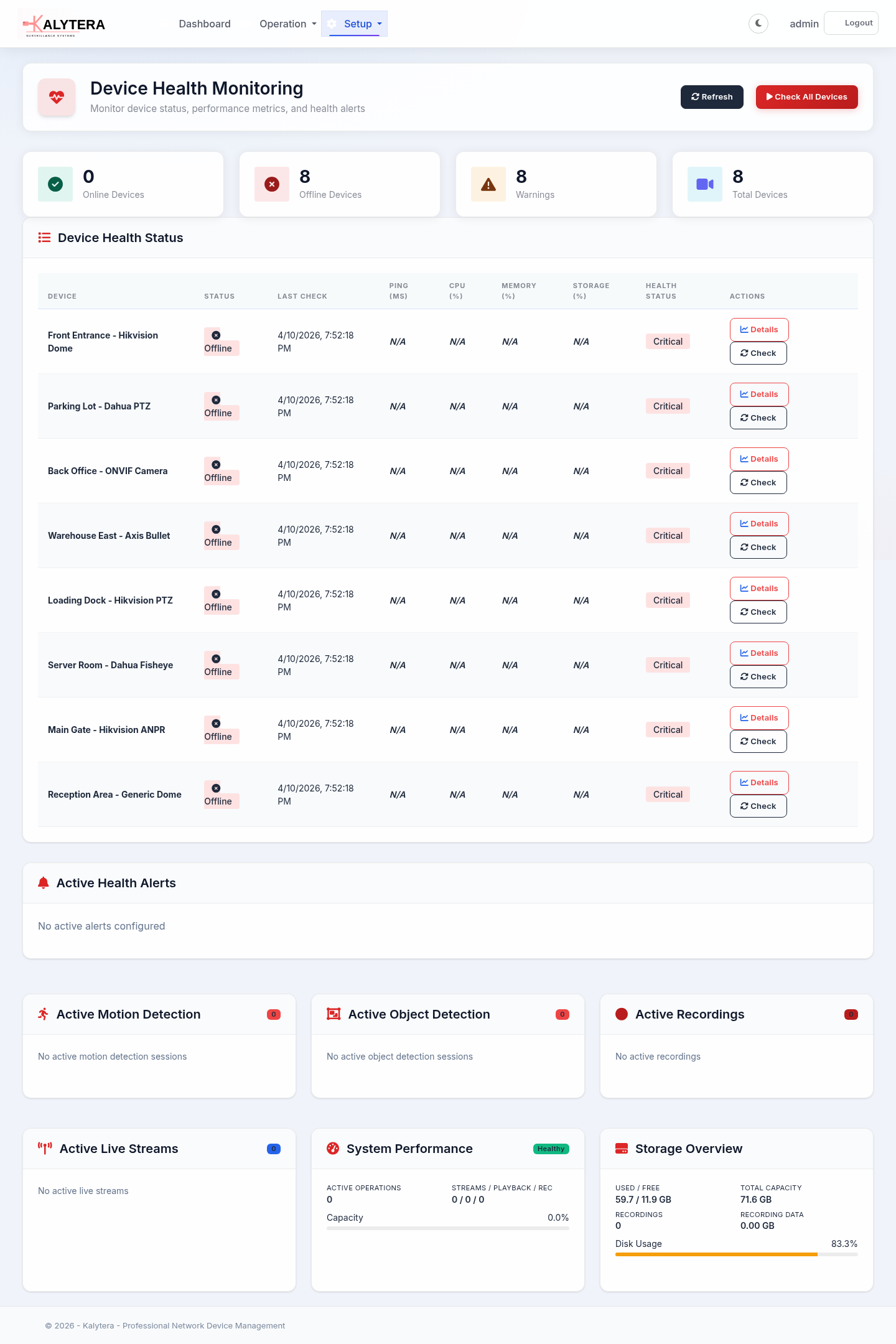
Real-time SNMP-based health checks: CPU load, RAM, disk usage, temperature, bandwidth, and connection count — with threshold alarms.
Device Groups & Organization
Organize cameras and devices into groups for structured navigation, bulk operations, and permission scoping.
Fine-Grained Permissions
Role-based multi-user access with per-device and per-feature permissions. Granular control over who can view, record, export, or configure.
Self-Hosted & API
Complete data ownership, no cloud dependencies. REST API available for automation, integrations, and custom tooling.
Experience Kalytera Today
Start with the free 4-camera edition or request a demo to evaluate the full feature set