Documentation
Comprehensive guides and resources for Kalytera
Quick Start Guide
Get up and running with Kalytera in under 10 minutes. Step-by-step installation and configuration guide.
Administrator Guide
Maps & Visualization
Developer Documentation
Video Tutorials
Learn Kalytera with step-by-step video guides

Installation Tutorial
Complete installation walkthrough
12:30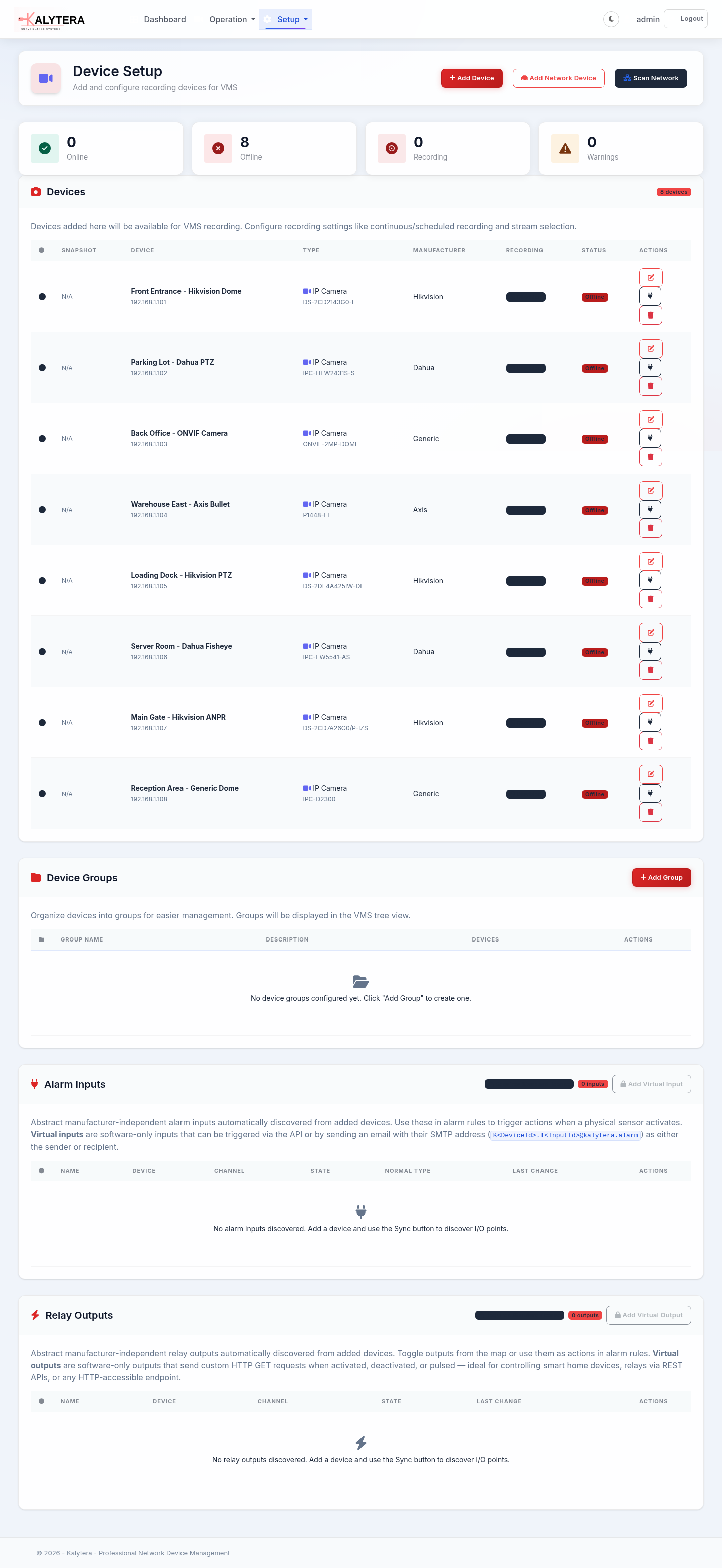
Device Discovery
Find and add cameras
8:15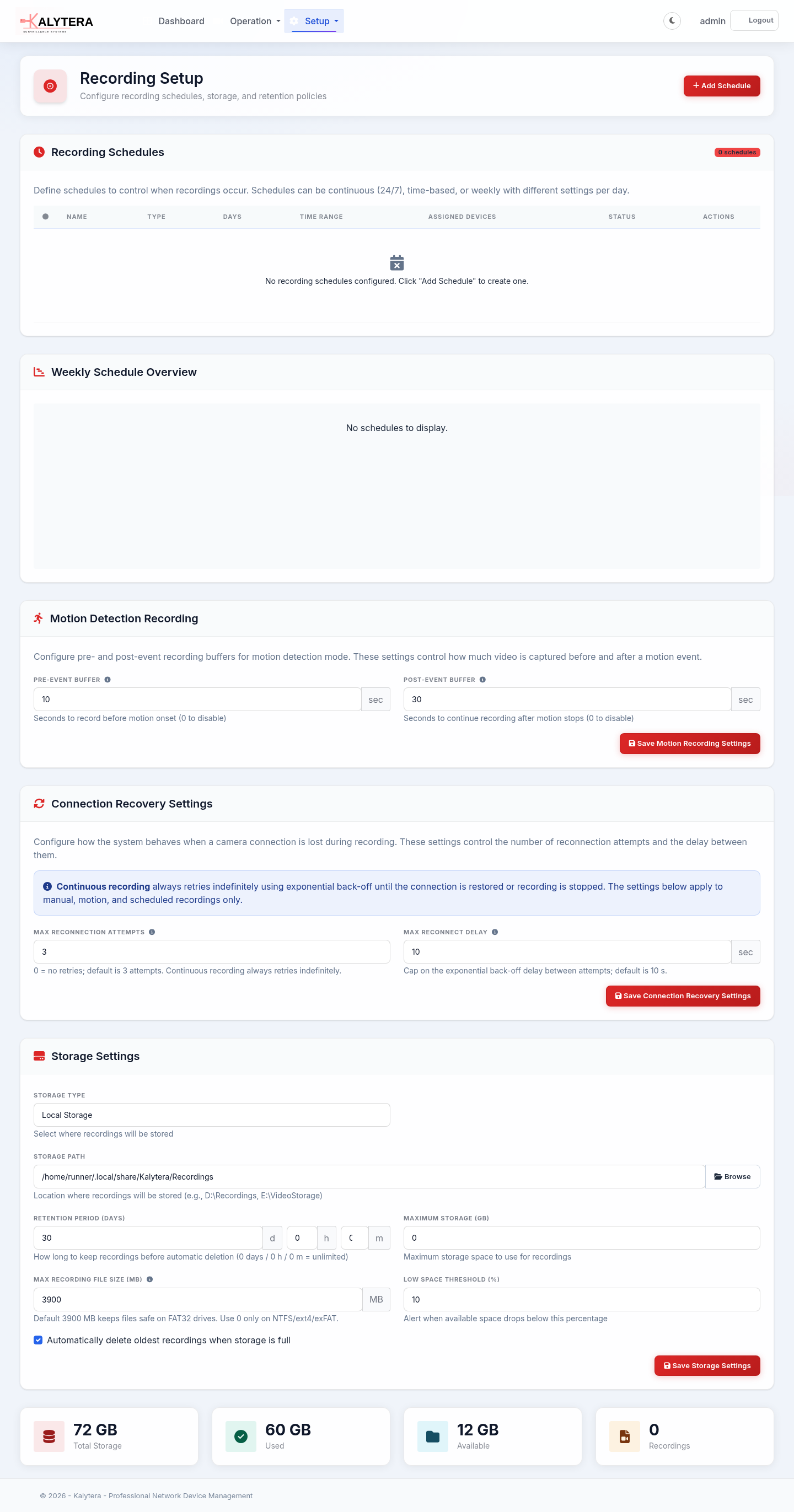
Recording Setup
Configure recording schedules
15:45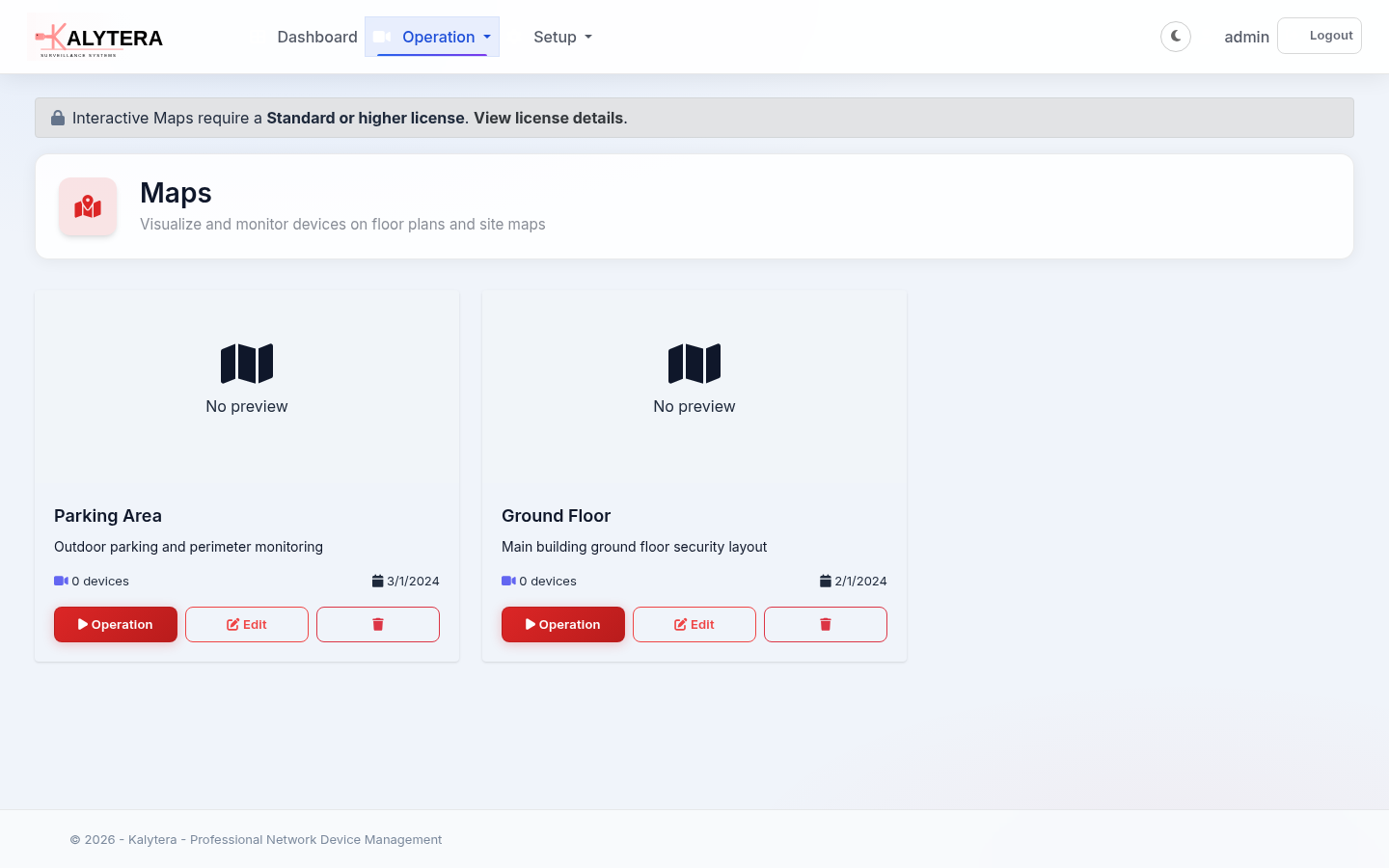
Maps & Floor Plans
Create and edit interactive maps
18:20Frequently Asked Questions
Use the Device Discovery feature to automatically scan your network for cameras. Navigate to Network > Discovery, select your discovery methods, and click Scan. Discovered devices will appear in the results list where you can add them to your system.
Kalytera supports Hikvision, Dahua, Axis, and any ONVIF-compliant IP cameras. We also support 200+ camera vendors through our MAC address database and generic RTSP streaming.
Storage requirements depend on camera resolution, frame rate, and recording duration. As a general rule, expect 1-2 GB per camera per day for 1080p H.264 recording at 15 FPS. Use our storage calculator in the documentation for precise estimates.
Yes! Kalytera is web-based and can be accessed from any device with a modern browser. For remote access, configure port forwarding on your router or use a VPN for secure access. See our Remote Access guide for detailed setup instructions.
Kalytera features a powerful alarm system with 6 predefined templates (Device Offline, Motion Detection, Recording Stopped, Storage Low, Tampering, Video Loss) and a comprehensive 5-step wizard for creating custom alarm rules. You can configure triggers, conditions, actions, schedules, and notification preferences to meet your specific monitoring needs.
Can't Find What You're Looking For?
Our support team is here to help